- Campus Services
- Budget Office
- Campus Controller
- Campus Planning and Design
- Career and Professional Development
- Event Operations
- Facilities Management
- Fire & Life Safety
- Institutional Compliance and Internal Audit
- Institutional Research and Decision Support
- Legal Affairs
- Mail Services
- Marketing and Public Affairs
- Parking Services
- Public Safety
- Sustainability
- Copy Jobs
- Campus Resources
- Marketing and Public Affairs
»Panther Alert: Notification System
Stay informed. Stay safe.
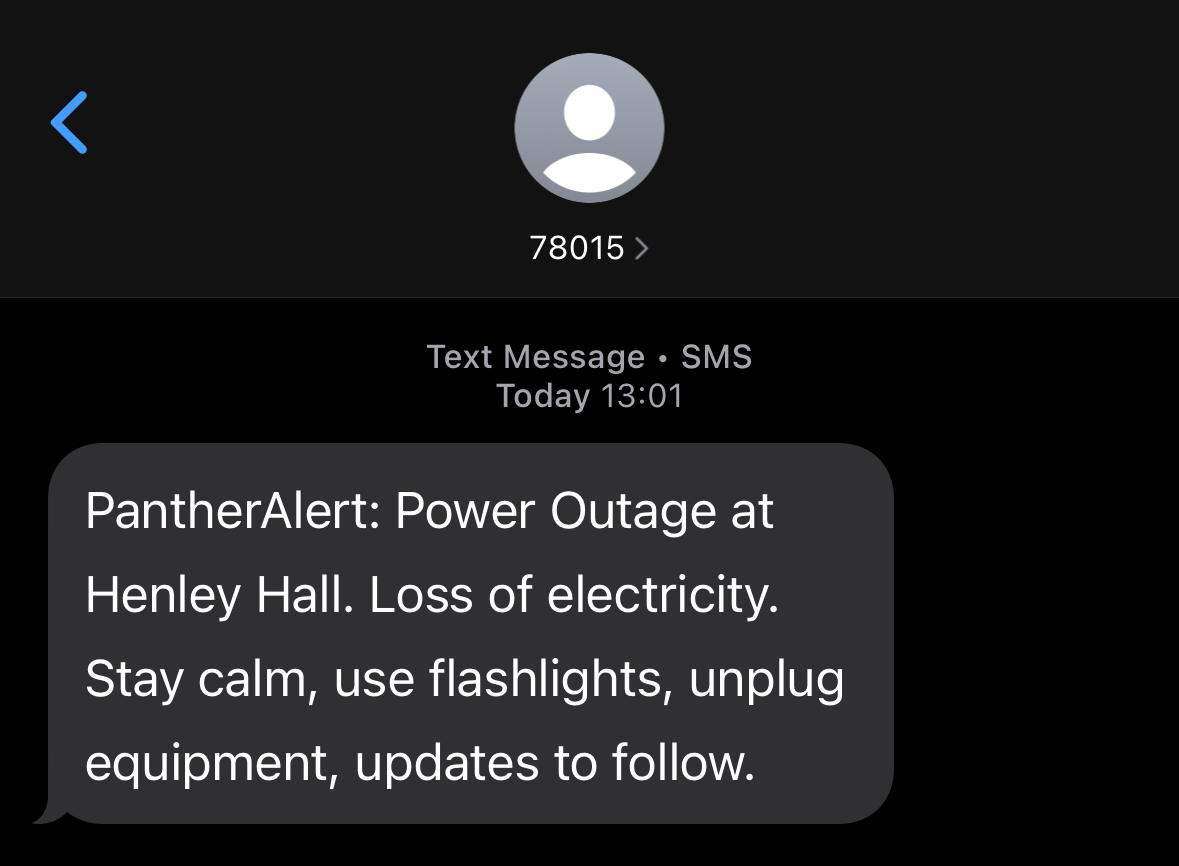
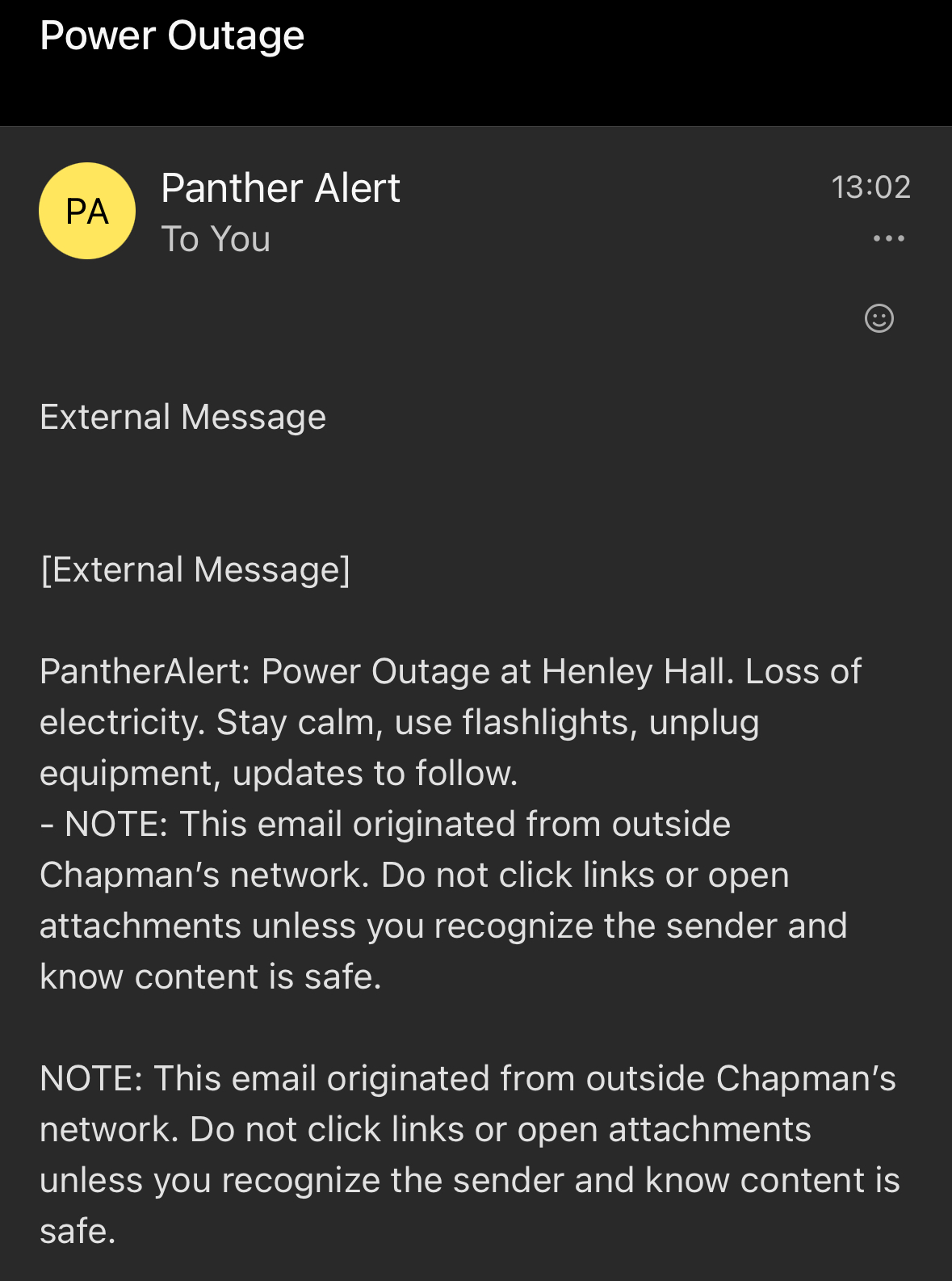
Panther Alert is Chapman University’s emergency notification system, designed to quickly send critical messages to your preferred mobile phone, landline, and email—wherever you are. This is a free service available to all Chapman students, faculty, and staff.
To ensure you receive timely alerts, it is essential that your emergency contact information is accurate and up to date. Panther Alert can simultaneously send voice calls, text messages, and emails to you and your designated emergency contacts during an emergency affecting the Chapman community.
Please save the phone number (714) 997-6815 to identify future phone calls and texts from the Panther Alert system.
Data Related Questions
What contact data should I provide Chapman?
What email address does the Panther Alert email come from?
I heard that my classmate received a voice message from Panther-Alert but I did not. Why?
I share the same phone number as my roommate, will it call me twice?
How will the privacy of my information be protected?
I am a parent of a student who never seems to fill out forms! Can I fill this one out myself?
How can I verify that my student has filled out the form and, if so, has done it correctly?
Call Related Questions
How frequently will the University use this system? Will the University use this system for other types of messages besides crisis alert?
If I get an alert that there is a crisis at the University, whom should I call for more information?
How does the Panther-Alertsystem respond to busy signals or no-answer situations?
I provided multiple phone numbers, email addresses and SMS, which device will I get the message first?
I received the message but it kept looping/repeating. Why?
The system does its best to detect whether it has reached a live person or an answering machine. Sometimes, loud ambient noises may cause the system to loop. If this happens, use the mute feature on your phone or move to a quieter location to prevent the message from looping or repeating.
I see a caller ID display of 714-997-6815. Who is this?
I provided the phone number and I have verified that it is correct. The call report indicates that you are reaching me live at that number. Why do I still not receive any calls from you?
I received the calls at my mobile and my home phone but my campus phone call came much later, why?
SMS Related Questions
How do I opt-in to receive text messages from my school?
How do I opt-out?
What if I opted-out but later decide I would like to opt-in again?
What number will Panther Alert text messages come from?
Sign Up or Update Your Information
Chapman University utilizes the Panther Alert system to quickly communicate time-sensitive information to students, faculty, and staff during emergencies or unexpected events. This system allows campus leadership and safety officials to send important messages via voice, text, and email.
Stay informed by signing up or updating your emergency contact information using the
link below today!
Chapman University Emergency Contact Information Form.