
»2-Column Example Page
Info Cards
Use this component to highlight a series of related information. Cards can be displayed in sets of 2–4, with optional images and call-to-action buttons.
Card 1
Card descriptions go here. All cards in this series will automatically match the height of the tallest card.
Button 1Card 2
Card descriptions go here. All cards in this series will automatically match the height of the tallest card.
Button 2Card 3
Card descriptions go here. All cards in this series will automatically match the height of the tallest card.
Button 3
3-Column Content
Use this component to display a list of items neatly organized into three separate and responsive columns.
- Column 1 content
- Column 1 content
- Column 1 content
- Column 1 content
- Column 1 content
- Column 1 content
- Column 1 content
- Column 1 content
- Column 1 content
- Column 2 content
- Column 2 content
- Column 2 content
- Column 2 content
- Column 2 content
- Column 2 content
- Column 2 content
- Column 2 content
- Column 2 content
- Column 3 content
- Column 3 content
- Column 3 content
- Column 3 content
- Column 3 content
- Column 3 content
- Column 3 content
- Column 3 content
- Column 3 content
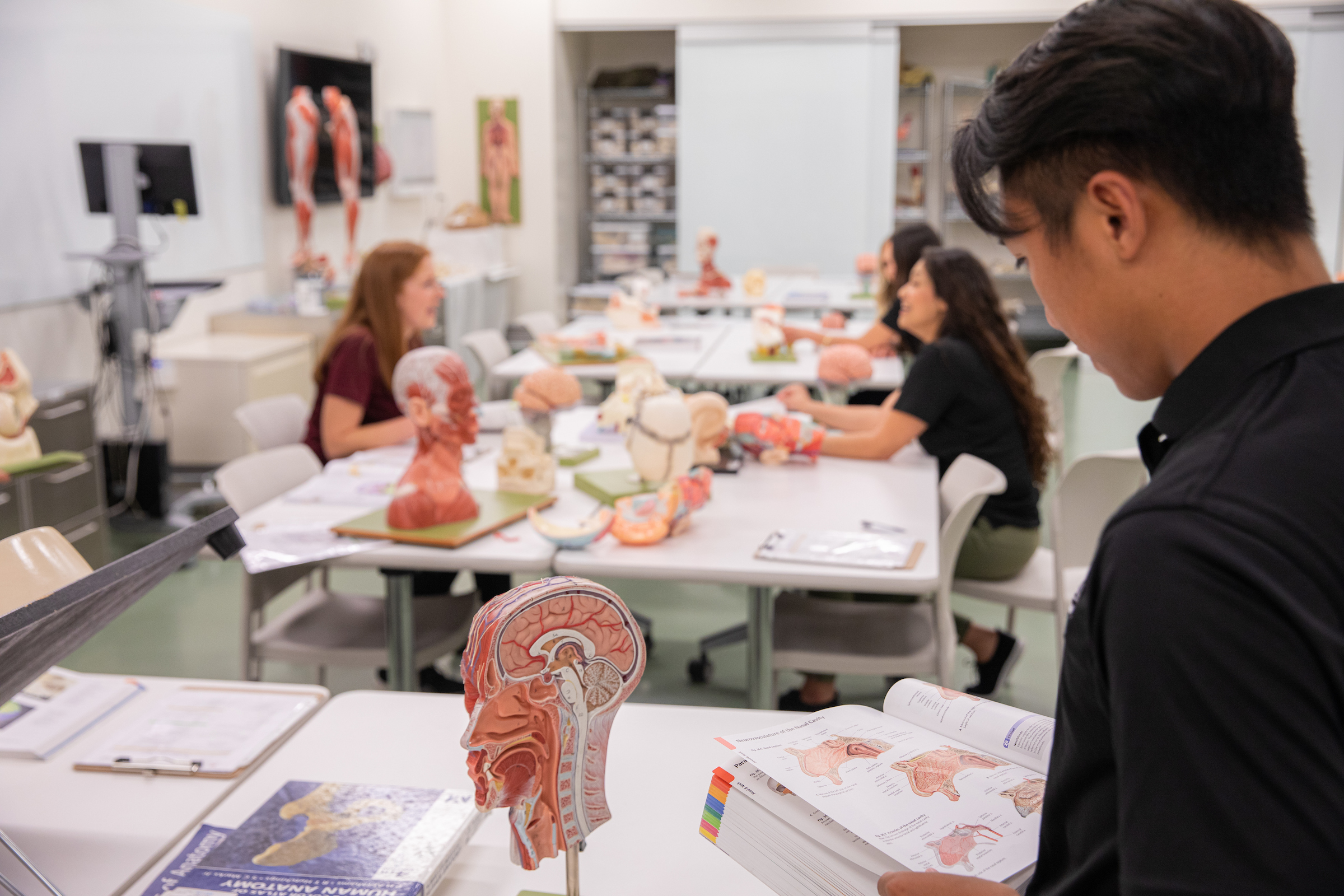
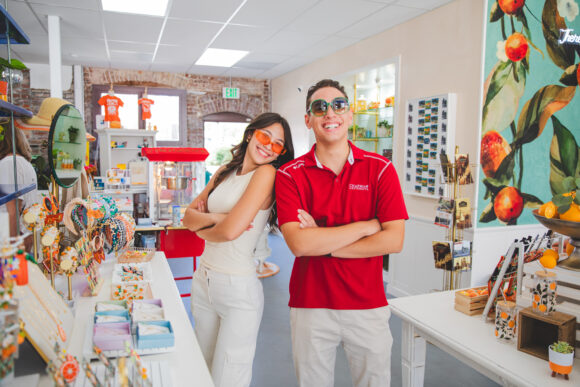
Image Thumbnail with Lightbox Gallery
Add multiple images to display in a four-column gallery. Images and any included captions will open in a lighbox when clicked.






Video Gallery with Thumbnails
Add up to four YouTube or Vimeo videos to display in the gallery.
Select a video to play


Vertical Video Gallery
Reels, TikToks, and Shorts


Blog RSS Feed
RFI Form with Content
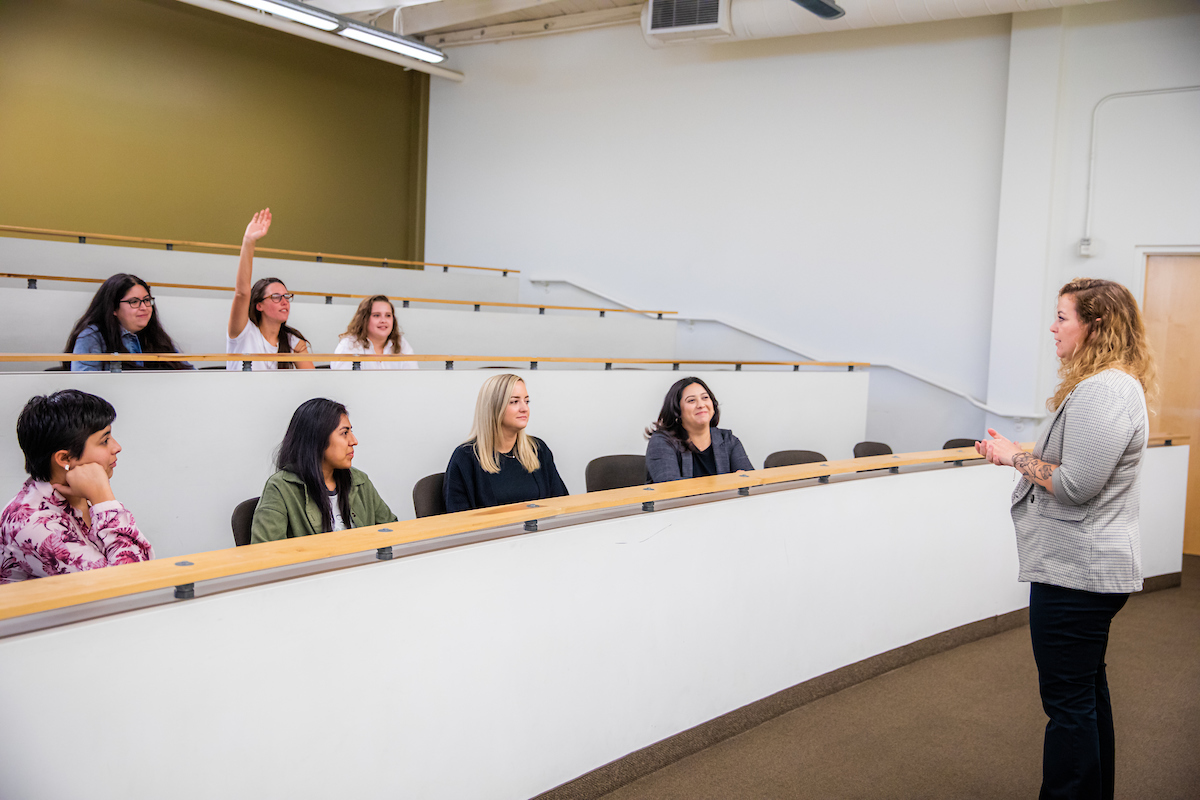
The RFI (Request for Information) Form is useful for collecting inquiries from website visitors. This component takes an embed code and displays the form directly on the page.
Logo Carousel






Showcase a single event callout with a corresponding call-to-action button.
March 1, 2026
Single Event Callout

Left Column - Contact Card
This component can be used to highlight a specific contact for a program or department. No image is required nor supported. You can add social links as well.