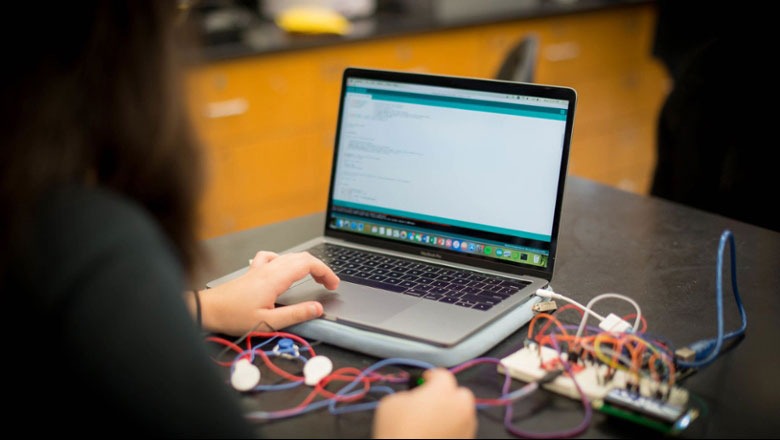
Apple Computers
Apple Silicon (M3 or later recommended)
- Processor: 3.49 GHz Apple M3 chip or higher (Apple M2 Pro)
- Main Memory: at least 16GB RAM, 32 GB recommended
- Hard Drive: 512GB or larger Solid State Drive (SSD)
- Wireless Networking: 802.11 a/g/n/ac/ax(WiFi 6)
- Wired Networking (optional): 10/100/1000 Ethernet
- Operating System: MacOS Sonoma or higher
A USB-C Digital AV Multiport Adapter is recommended for newer machines that do not support a standard USB-A port.
Windows-based Computers
- Processor: 2.4 GHz Intel Quad-Core Core i5 processor or higher
- Main Memory: at least 16GB RAM, 32 GB recommended
- Hard Drive: 512GB Solid State Drive (SSD) or larger
- Wireless Networking: 802.11 a/g/n/ac/ax(WiFi 6)
- Wired Networking (optional): 10/100/1000 Ethernet
- Operating System: Windows 11 Professional (64-bit OS) or newer
If you are an Electrical Engineering or Computer Engineering major, you will need to be able to run some Windows-only software, so we recommend getting a Windows computer or a MacBook with an emulator, like Parallels so that you can run Windows software.
*All computer recommendations have been updated for Spring 2026.