Chapman University
Chapman University
Find and contact your advisor
Advising starts with academics but also includes connecting with other campus resources to make the most of your Chapman experience.
You have your own dedicated advisor who can help plan your academic pathway to graduation.
Find your advisor and their contact/appointment information below.
Find and contact your advisor

Get ready for registration
Every student is assigned a registration date and time. You should start preparing
for registration at least one month prior to registration. You should also register for a full and appropriate course load (at least 12 credits)
each semester to stay on track for graduation.
Find your registration date & time

Stay on track for your first semester
Incoming undergraduate students have a few additional steps to prepare for registration:
First-year students need to complete a Math Assessment.
All students who would like to test out of some or all of their language classes can do so by taking a language exam.




Get the assistance and accommodations you need to succeed
If you need assistance with your classwork, Tutoring and Writing Center services are free!
Additionally, if you qualify for accomodations, our Disability Services office can help you get the academic accommodations you need.
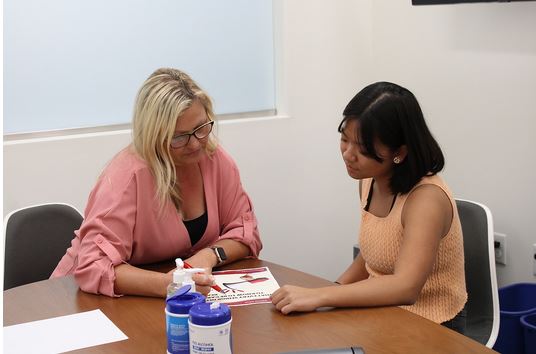



Prepare for your career
A key part of the Chapman experience is preparing for your career after you graduate. Every school/college has their own dedicated career specialists. We also offer specialized advising for those looking to enter professional or law school.